

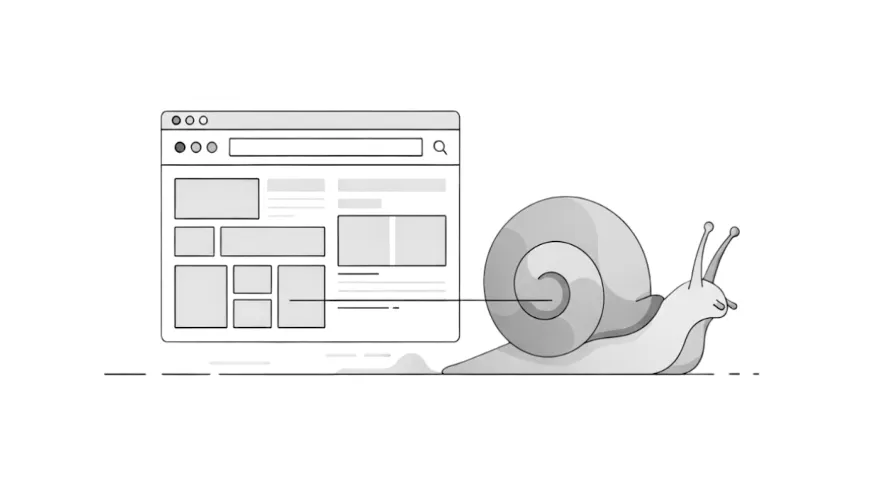
When a WordPress site starts to feel sluggish, it can be frustrating, especially if it used to load quickly. If you have been wondering why is my WordPress site so slow, you are not alone.
Many small business owners notice their site becoming sluggish over time and want simple, clear explanations. This guide breaks the problem down so you can understand what is happening and what to think about next.
Common signs your WordPress site is becoming slow
A slow site normally shows itself through familiar patterns. Sometimes it is general website weight, and other times it is small issues such as plugin conflicts that make pages hesitate or sections appear more slowly, especially on mobile. You might see fewer enquiries, or notice people leaving pages sooner. These symptoms are extremely common.
A a slow WordPress site usually means the site has become heavier as it has grown, not that anything is broken.
For example, a local business might add new pages, high-resolution photography, and a booking tool over a year. Nothing is technically wrong, but the added weight makes the site feel less responsive.
A practical resource where I explain how to think clearly about your website, so it feels easier to manage and better aligned with the way your business actually works.
Why slowdowns build up gradually
Slowness rarely appears overnight. It usually develops quietly as your website grows.
Every theme, plugin, image, form, or tracking script adds a small amount of weight. On its own each addition is harmless. Over months or years, these small pieces stack up. A site that once felt fast can begin to slow down even if nothing big has changed recently.
A slow WordPress website often comes from this gradual build up rather than a single issue.
The same pattern can lead to a slow WordPress admin, especially on older sites that have collected a lot of small additions over time. It is normal for many small business sites and is usually straightforward to address.
The most common reasons a WordPress site becomes slow
In most cases, slowdowns come from everyday additions made as a business evolves.
Large or uncompressed images
High-resolution banners, product photos, and hero images can make pages feel heavy very quickly.
Themes and plugins
Feature-rich themes or plugins that load extra styling can slow things down. Page builders such as Elementor or Beaver Builder are useful tools, but they generate more code than simple themes.
Extra features and marketing tools
Sliders, pop ups, chat widgets, analytics, and marketing scripts all add a small delay. When several run together, the site can start to feel sluggish.
This is often when your WordPress site starts loading more slowly, especially on homepages.
For example, an online consultant might add a scheduling tool, testimonial slider, and a few marketing plugins. None of these choices are wrong, but together they create a noticeable slowdown.
How hosting and page builders influence speed
Your hosting plays a big role in how fast your site feels. Shared hosting is common and affordable, but resources are shared with many other sites. When those resources get busy, your site may slow down.
Managed hosting usually provides better stability, but not all small businesses start there. It is also normal for hosting performance to fluctuate as your site grows.
Page builders also influence speed. Tools like Elementor or Beaver Builder make design easier, but they add more code than lightweight themes. This is not a problem on its own, but it becomes noticeable when combined with many heavy sections, images, or animations.
Sites built around clean, simple setups tend to stay faster for longer because there is less for the browser to process on every page.
A slow WordPress site in this context is often a sign that your site has simply outgrown its original setup.
When slow pages point to deeper issues
Some types of slowness suggest more than general website weight.
Pages that suddenly take much longer to load than others may indicate an outdated plugin, broken script, or a theme that is no longer maintained. If you use WooCommerce or a booking tool, additional extensions can also affect speed as they grow.
If you notice your WordPress site loading extremely slowly after an update, or only certain pages misbehaving, something inside the site may need closer attention.
These issues do not always show clear warnings. The site continues to load, but becomes slower and less reliable.
What you can safely think about without technical steps
There are a few simple things you can reflect on without changing any settings.
- Have you uploaded larger photos, videos, or documents recently?
- Have you added new plugins or features, even helpful ones?
- Has the site grown in size – more pages, more blog posts, more images?
A slow WordPress website does not mean you should start removing things or adjusting settings. Understanding what has changed simply helps explain why the site feels heavier.
When slow loading becomes a bigger issue
There comes a point where guessing becomes stressful or unhelpful.
You should consider getting help if:
- the site used to feel fast and now feels consistently slow
- pages take noticeably longer to load
- slowness appeared after updates or plugin changes
- you rely on the site for leads, bookings, or sales
- you want clarity without risking breakages
A WordPress developer can review your theme, plugins, hosting, and overall structure in a safe, controlled way. They can trace the exact cause, tidy up what is no longer needed, and help your site run efficiently again.
For a small business this often saves time, reduces stress, and avoids the risk of breaking something while experimenting.
What to do next
If your site feels sluggish or inconsistent, my Fixes and Performance service covers the improvements that usually make the biggest difference to speed and overall stability.